West Bengal Voter List 2026: ECI Launches Online Enumeration Form; Check How to Apply & Who Needs to Fill It

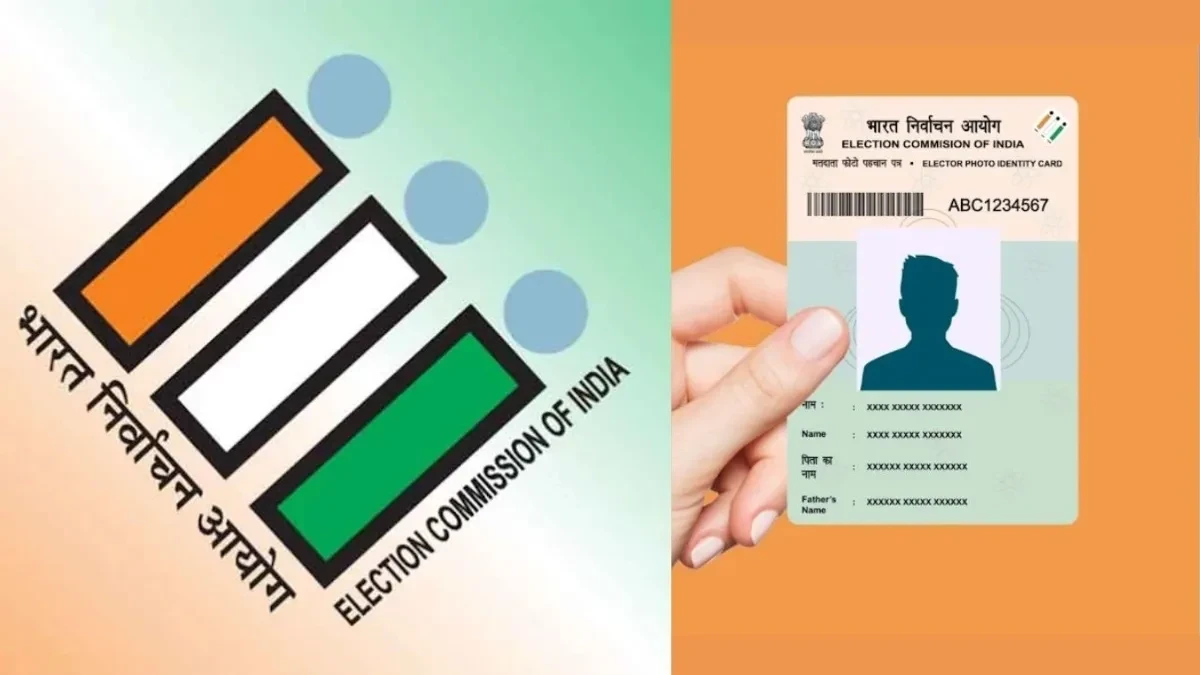
The Special Intensive Revision (SIR) 2026 voter enumeration process for West Bengal has officially begun. The Election Commission of India (ECI) has made the voter list enumeration form live on its official website, which will let eligible citizens verify, update, or register their details online ahead of the 2026 elections in the state.
The West Bengal voter list 2026 enumeration form is a very important part of the SIR conducted by the Election Commission of India. It helps to make sure that every eligible citizen’s name is correctly listed in the electoral roll, which will allow them to vote in the upcoming 2026 elections in West Bengal. The online voter verification system will make the process faster and accessible to people across the state and abroad.
Where to Fill the West Bengal Voter Enumeration Form?
The West Bengal voter enumeration form 2026 is now available on the official Election Commission of India portal at https://voters.eci.gov.in. It can also be accessed directly through the CEO West Bengal portal at https://ceowestbengal.wb.gov.in, under the “Services” section, by selecting “Fill Enumeration Form.”
This online facility will help both domestic residents and Non-Resident Indians (NRIs) to easily update or verify their information in the West Bengal electoral roll 2026 without visiting a booth in person.
Step-by-Step Guide to Fill the Enumeration Form Online
The Election Commission of India (ECI) has provided a user-friendly interface for voters to complete their details online to make the process simple and transparent. You can follow the steps below to submit your West Bengal voter list enumeration form:
Step 1: Go to voters.eci.gov.in or the CEO West Bengal website.
Step 2: If you are a new user, click on “Sign Up” and register using your mobile number. Enter the OTP sent to your phone to complete verification.
Step 3: Link your EPIC (Voter ID) number with your mobile number; this is mandatory for online submission of the form.
Step 4: Select “Fill Enumeration Form”, choose West Bengal, and search using your EPIC number to auto-fetch your voter details.
Step 5: The form provides three options based on your voter record:
- If your name exists in the 2002 voter list, choose the first option and update your details, such as date of birth, Aadhaar number, and relationship details.
- If your name isn’t listed but a close relative’s is, use their details and specify your relationship before filling in your personal information.
- If neither you nor your relatives appear in the 2002 voter list, you will need to contact your Booth Level Officer (BLO) for verification.
Step 6: Upload your photo, proof of age, and address documents as instructed on the portal.
Step 7: Review all details carefully and click on “Submit”. You’ll receive a confirmation message once the form is successfully submitted.
Offline Process for Voter List Updates
In some cases, where discrepancies between Aadhaar and Voter ID details, such as name mismatches or address differences, occur, applicants will have to complete the enumeration process offline. For this, residents should visit their nearest Booth Level Officer with the necessary documents for manual verification.